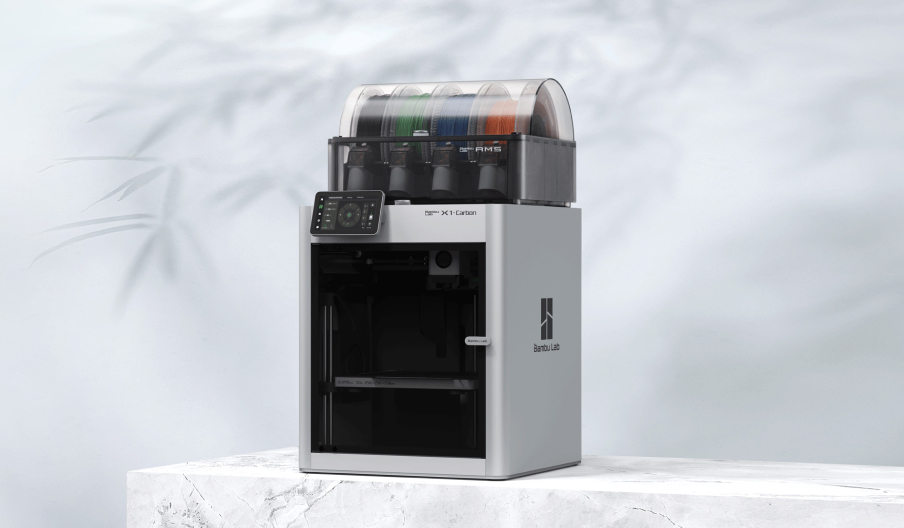
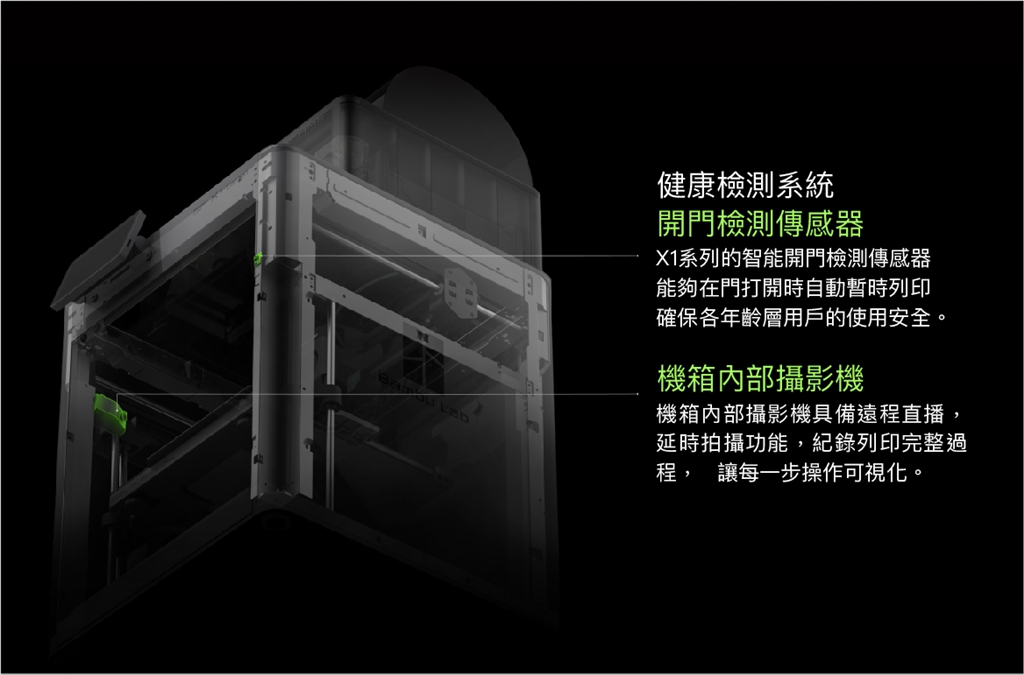
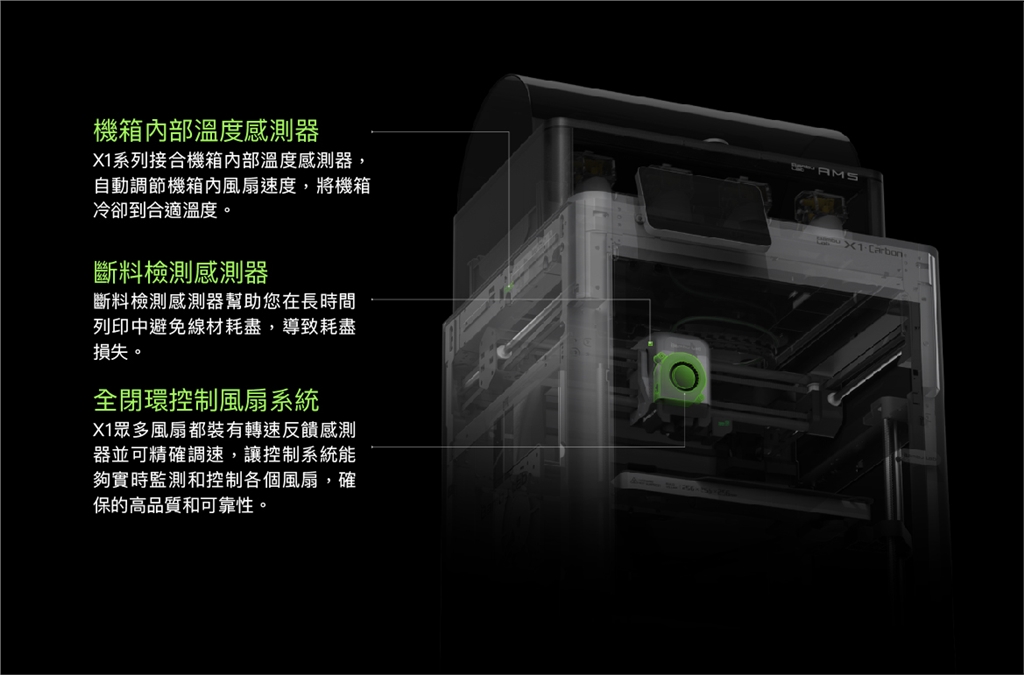
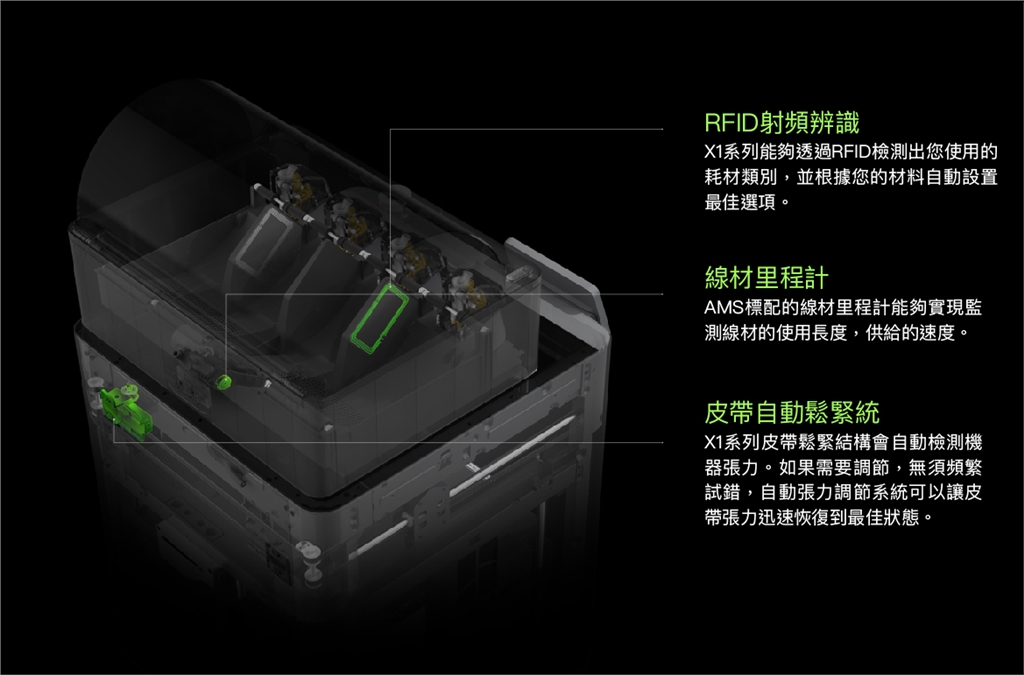
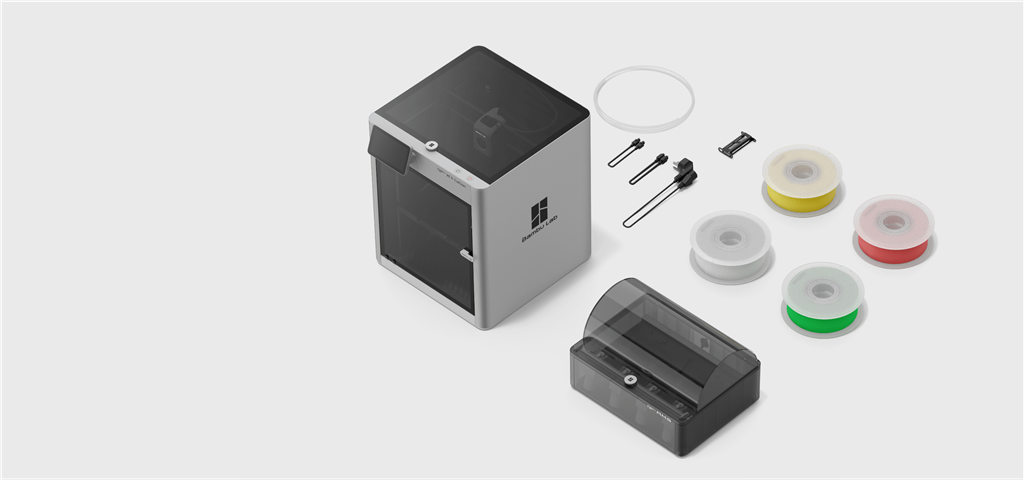
Bambu Lab X1 Carbon Combo 3D Printer
Before setting off, Bambu Lab made five small wishes for X1
. Say goodbye to the wobbly, outdated gantry structure
. No more bloodshed caused by removing supports
. No more anxiety and tossing and turning when printing at night
. Bringing color into the reality of 3D printing
. High-performance engineering plastic printing is no longer the exclusive privilege of industrial printers
Chapter 1
Finally, color has entered the world of 3D printing.
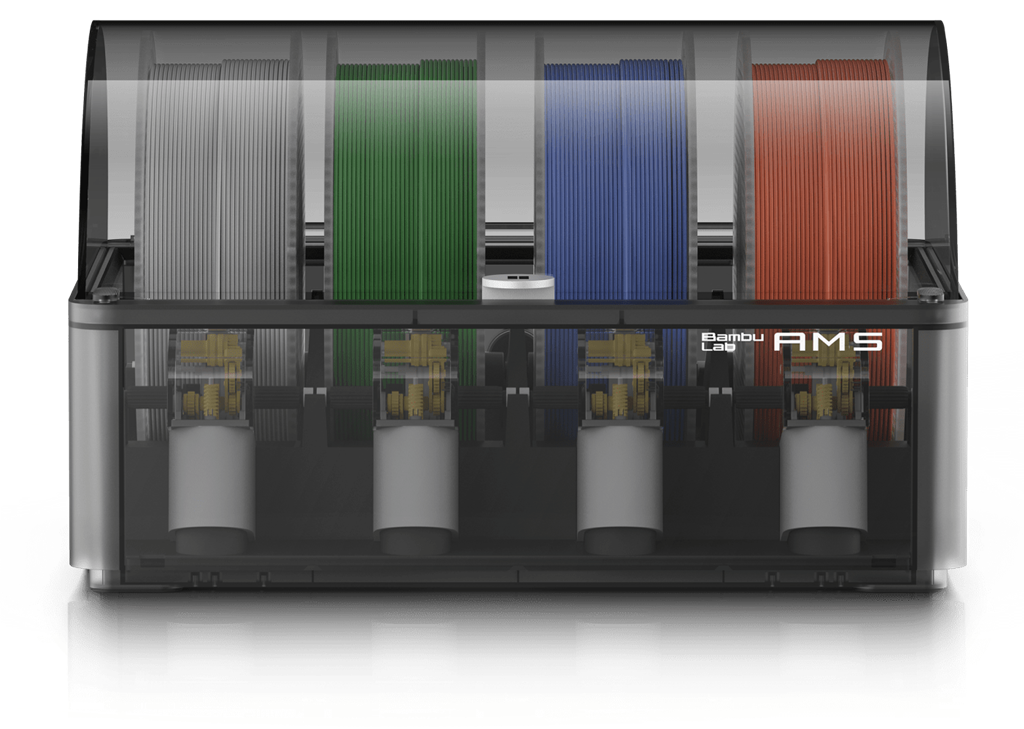
Bambu Lab's Automatic Material System (AMS) gives your 3D printing the finishing touch, and vivid color expression and multi-material printing bring you a master-level 3D printing experience.
. Airtight design
. Humidity detection
. 4*4 parallel
. Two-level assistance
. Feed buffer
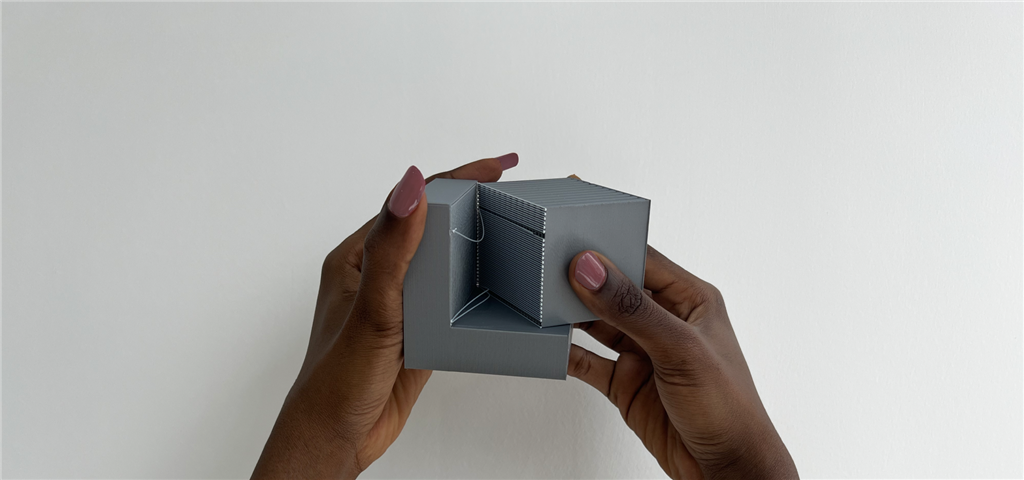
Support removal has never been easier
When printing with Bambu Lab X1, you can easily peel off support materials, minimizing the difficulty of removing supports.
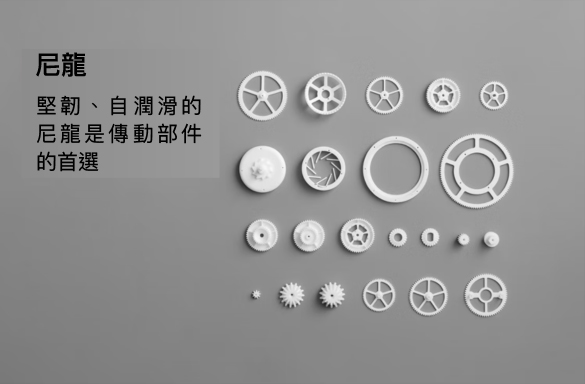
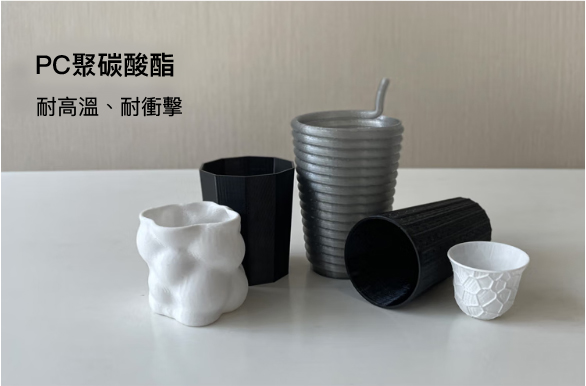
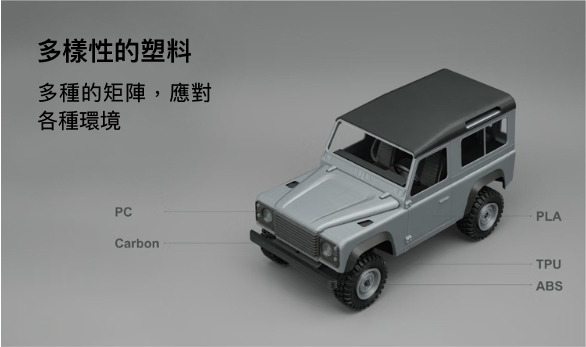
Advanced technology unlocks high-end filaments
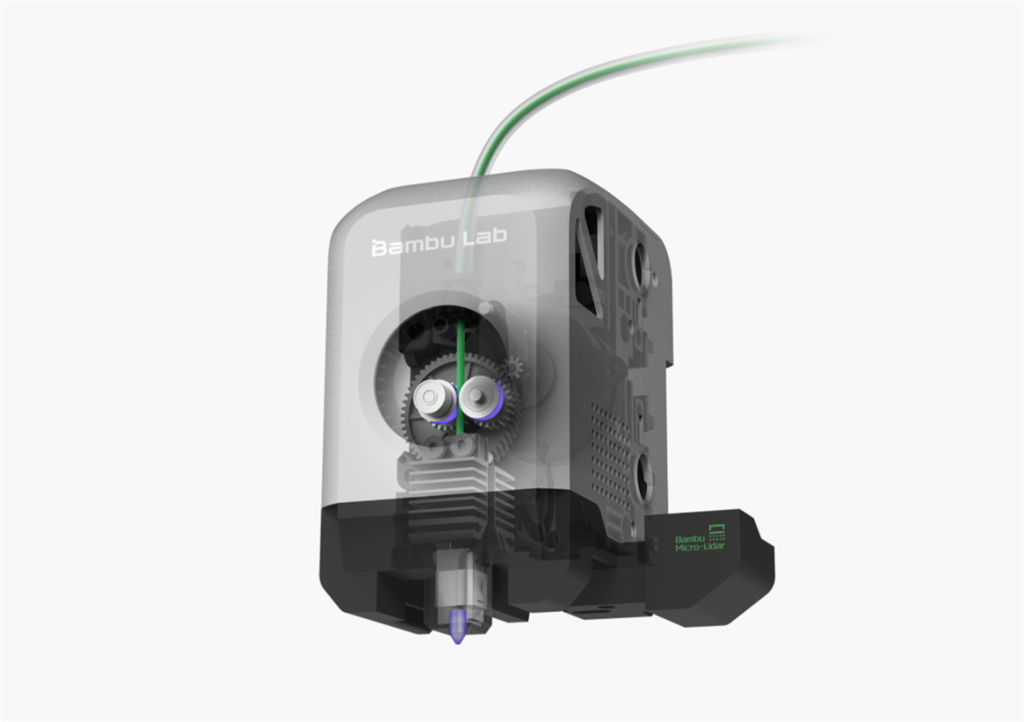
Bambu Lab X1's advanced structural design and sophisticated thermal control technology enable desktop 3D printing to break through the limitations of traditional conventional filaments. It makes printing on engineering plastics such as nylon and polycarbonate, which used to be very challenging, easy and reliable.
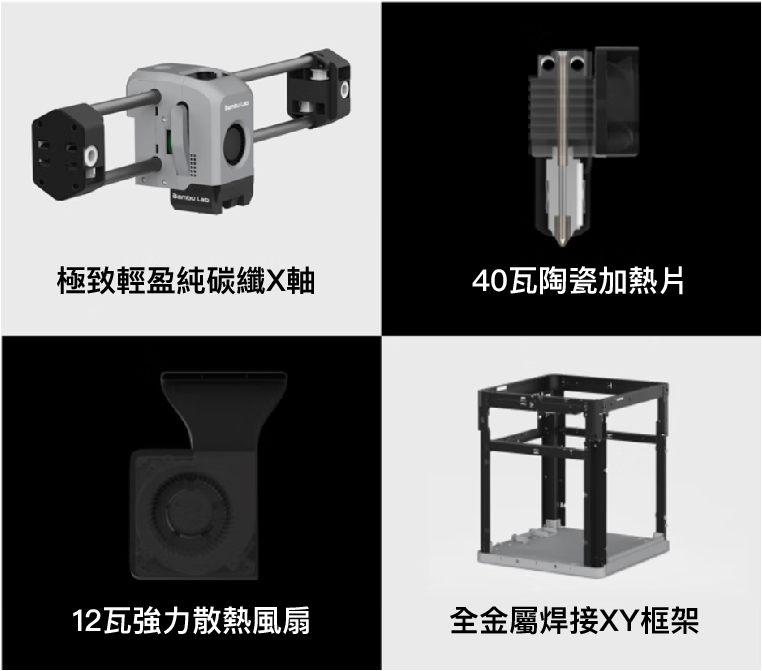
. All metal hot end 300℃
. Hardened steel nozzle 50 HRC
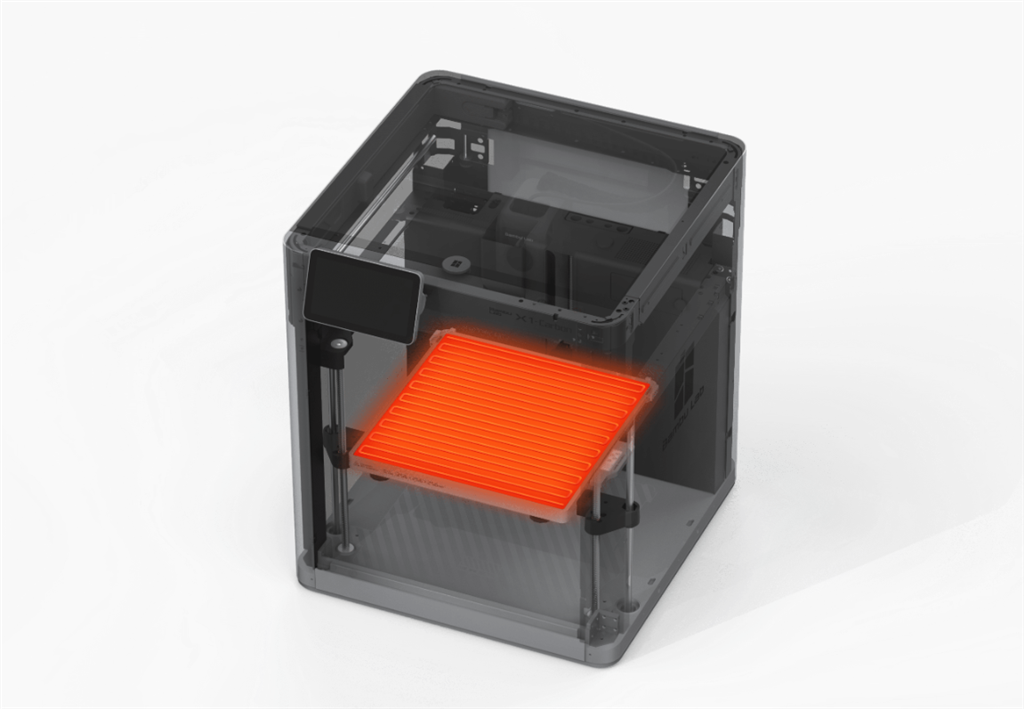
. High temperature hot bed 120℃
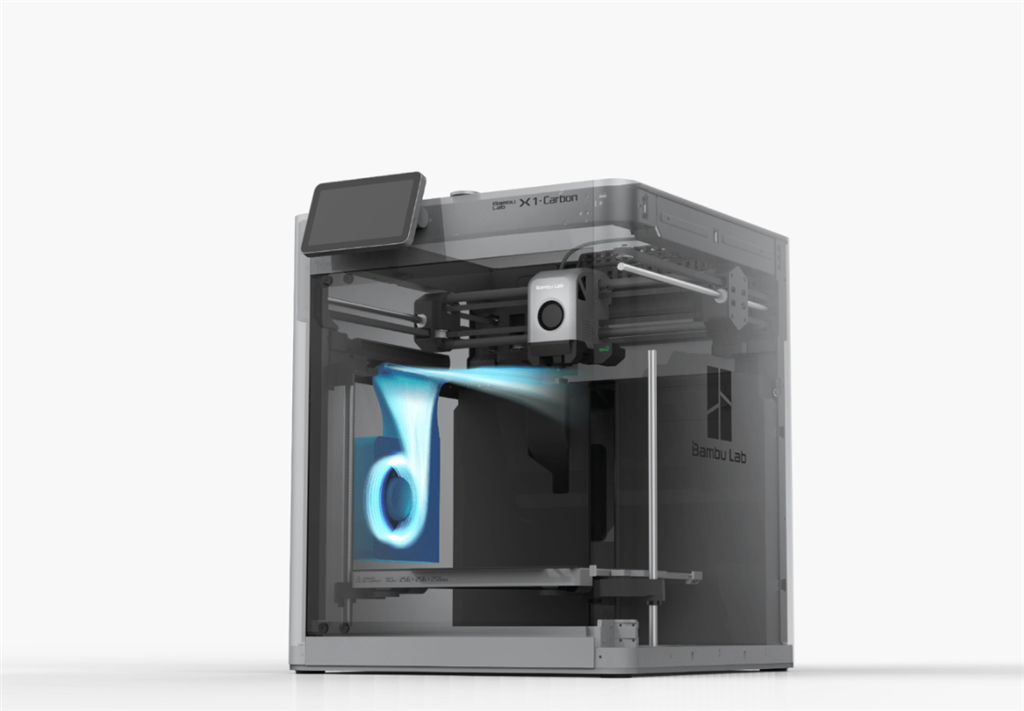
. Powerful cooling fan 12W
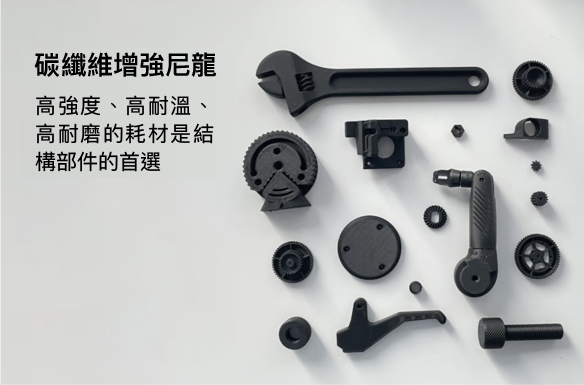
High-end consumables enable state-of-the-art projects
Chapter 2:
AI-driven, opening a new era of smart printing
. Laser radar
. Inertial measurement unit
. 2 TOPS neural network
. Quad-core ARM processor
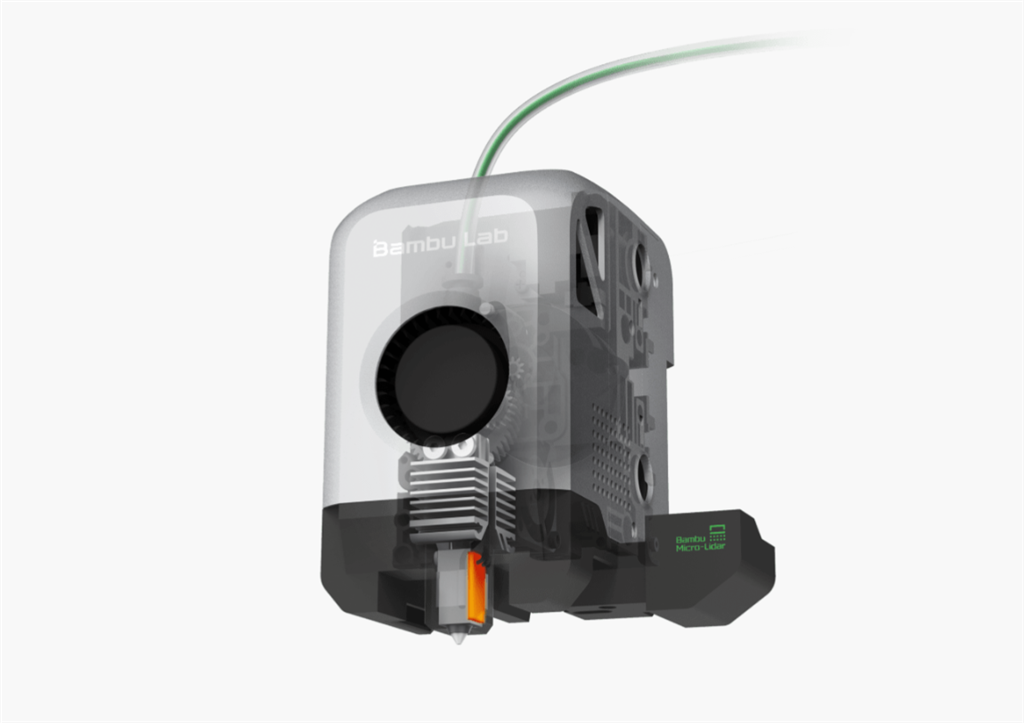
with built-in laser radar to achieve micron-level measurement
Bambu Lab macro laser radar brings micron-level measurement into 3D printing, automating key steps in the printing process, nozzle height detection, extrusion flow calibration, and first-layer scanning, bringing unlimited possibilities for smart printing.
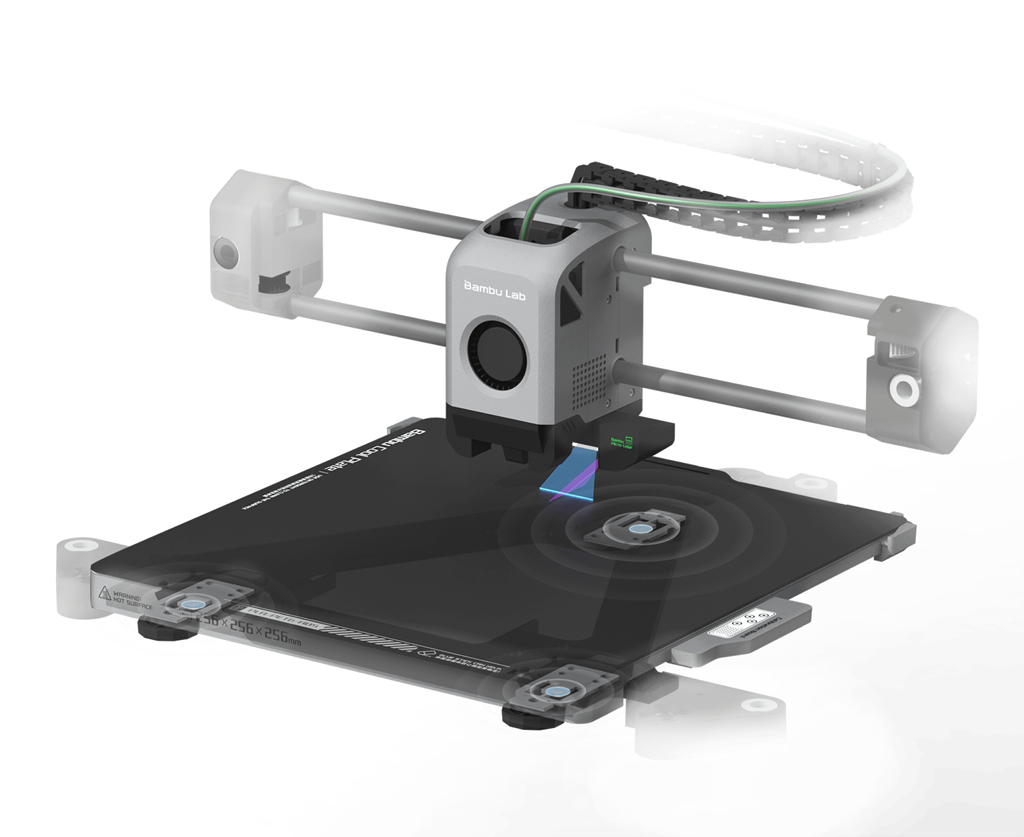
Dual-redundant fully automatic leveling provides double assurance for printing.
The Bambu Lab X1 series has two sets of leveling sensor systems with completely different principles. They use optical and mechanical measurements to measure the relative height of the nozzle and the heated bed respectively, and cross-verify to ensure perfect first-layer quality.
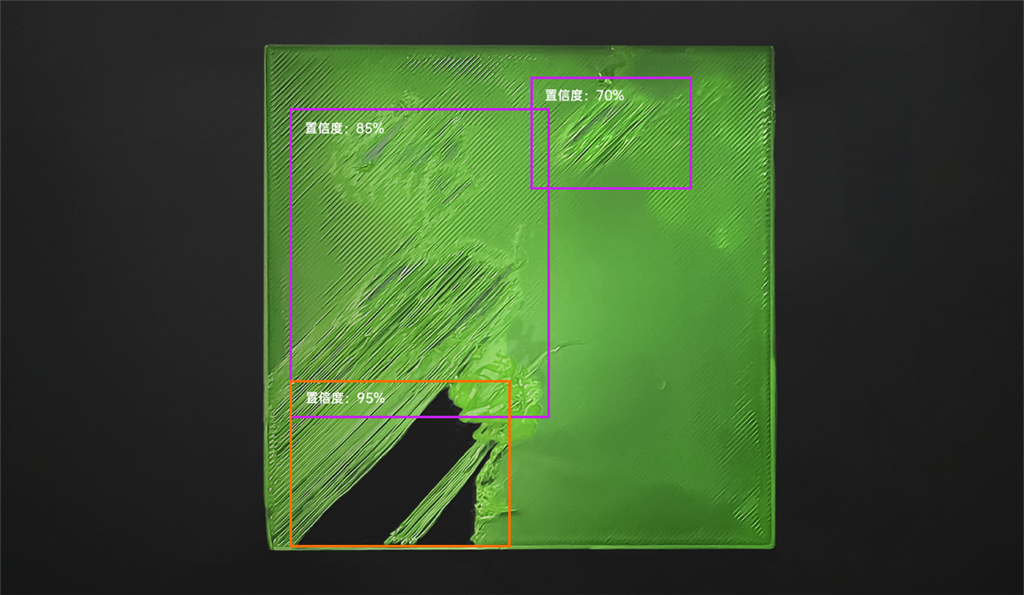
AI first-layer inspection
: Standing in front of the printer until the first layer of printing is completed before leaving? No need to wait, the laser radar and AI system will automatically detect the printing quality of the first layer, and send a warning to your mobile phone if there is any abnormality.
Purple frame: The first floor height is too high
Orange frame: The first floor height is too low
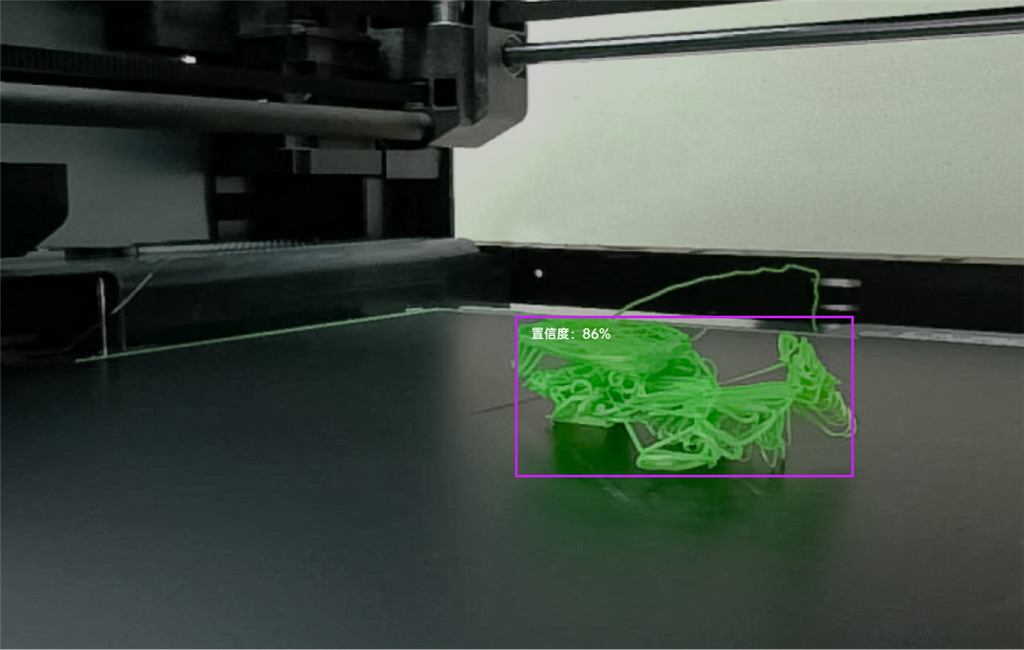
Fried noodles detection
No need to worry about the visit of the spaghetti monster, AI will always guard the printer and observe carefully.
Purple box: fried noodles detected with a confidence probability of 86%
Chapter 3:
The birth of a speed monster
. CoreXY structure
. Welding mainframe 32 mm3/s
. Flow rate 20 m/s2
. Acceleration 500 mm/s
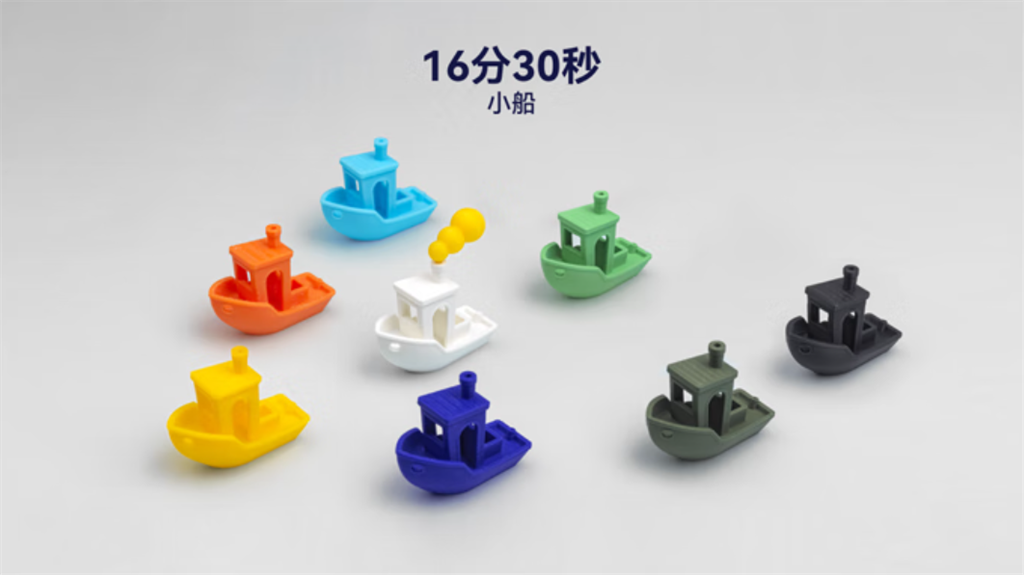
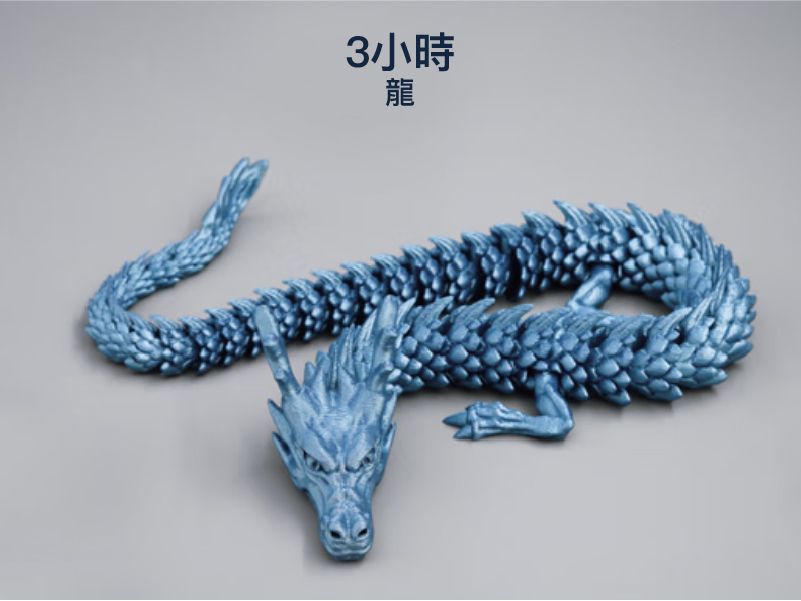
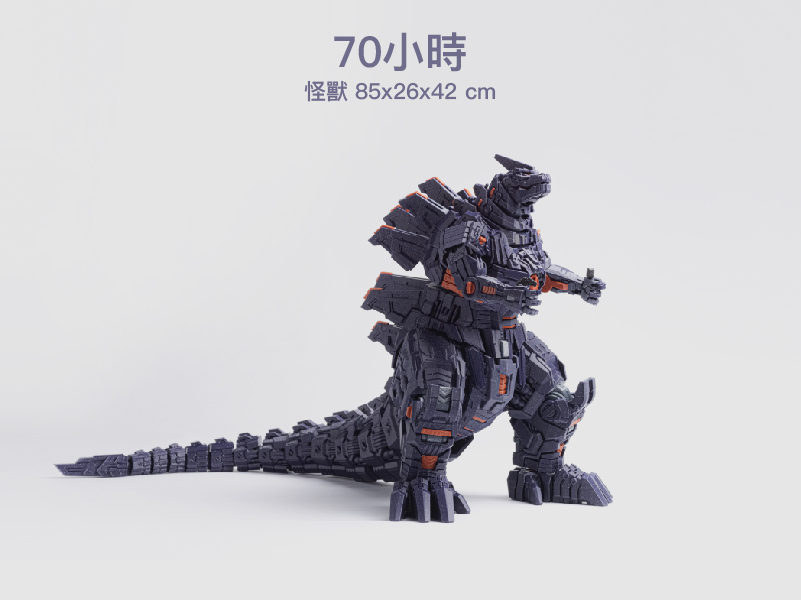
How do we create a speed monster?
Chapter 4
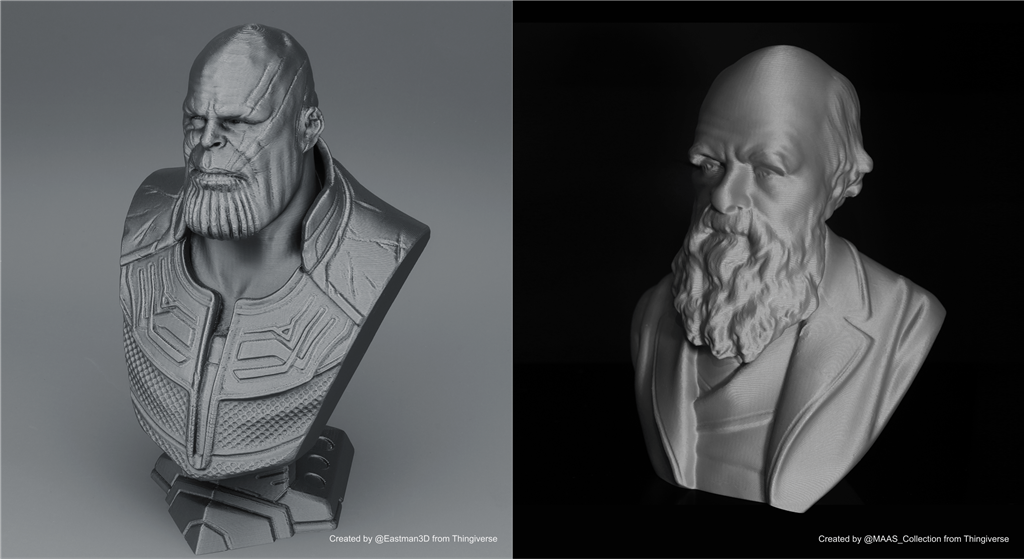
Smoothes texture and redefines silkiness.
Now, even with an extremely fine 0.1mm layer height printing, it only takes half the time of the previous 0.2mm printing.
. XY axis active vibration suppression
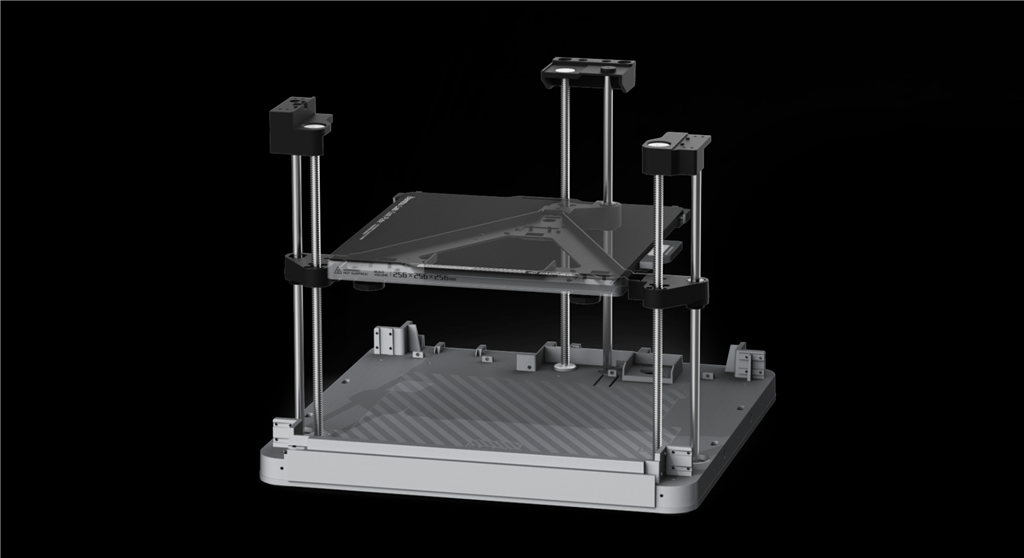
. Z-axis precise layer height
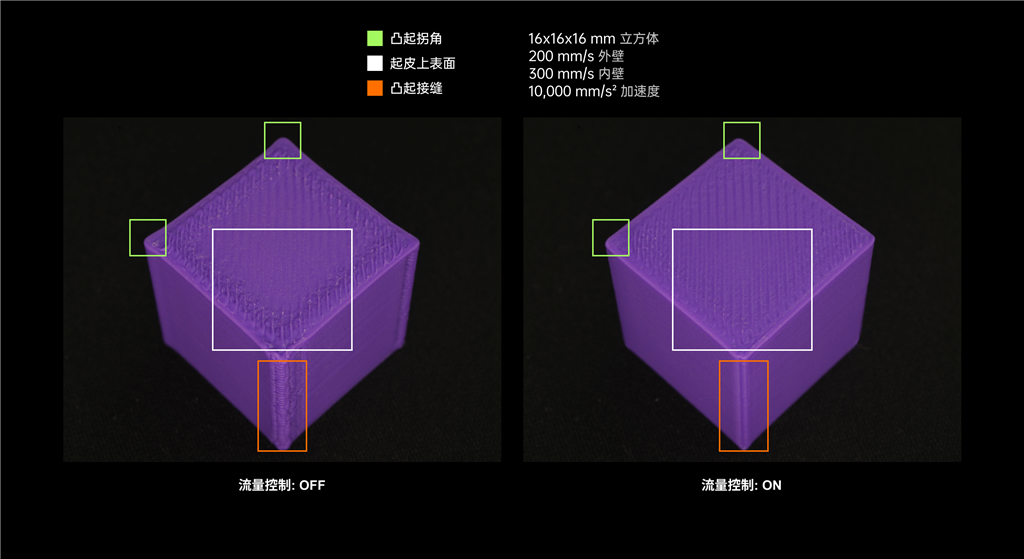
. High bandwidth flow control
. Enjoy the silky smoothness
Chapter 5
From Novice to Expert, It's Easy
. Ready to use
The X1 series is fully assembled, debugged, calibrated and tested before shipment, giving you a ready-to-print experience right out of the box.
. Cloud printing anytime,
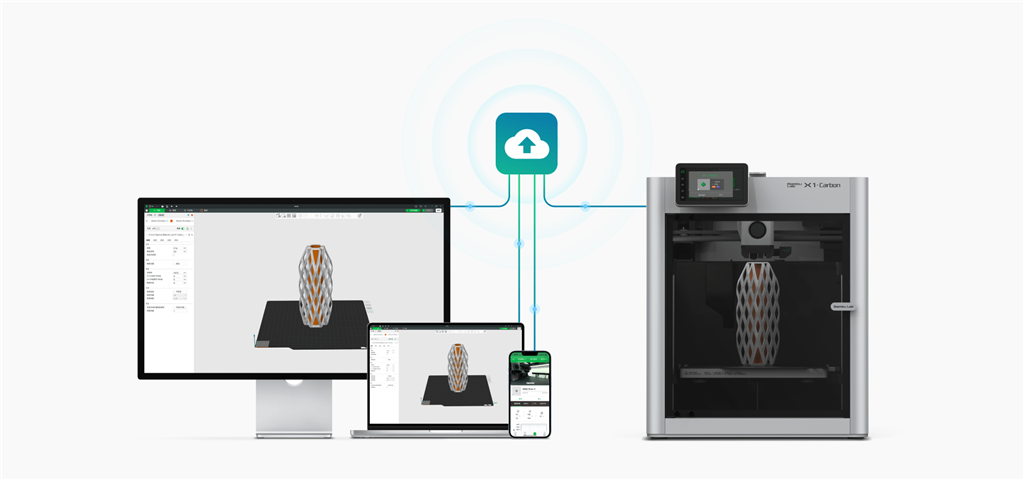
anywhere X1 supports both PC and mobile client terminals, and can print via LAN, WAN, and offline printing via SD card.
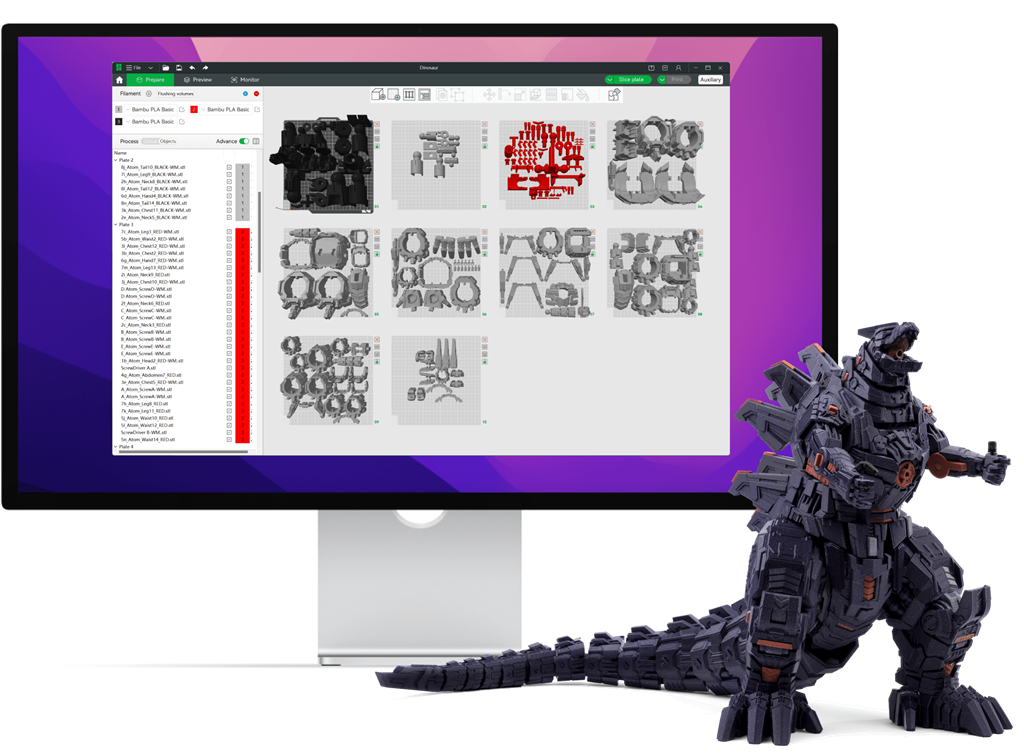
. Opening the 3MF printing era
In the STL era, different printers need different software to manage model files, printing parameters, assembly instructions, license information and model images. Now that X1 supports 3MF format by default, you can now manage your entire project on one cloud.
Chapter 6:
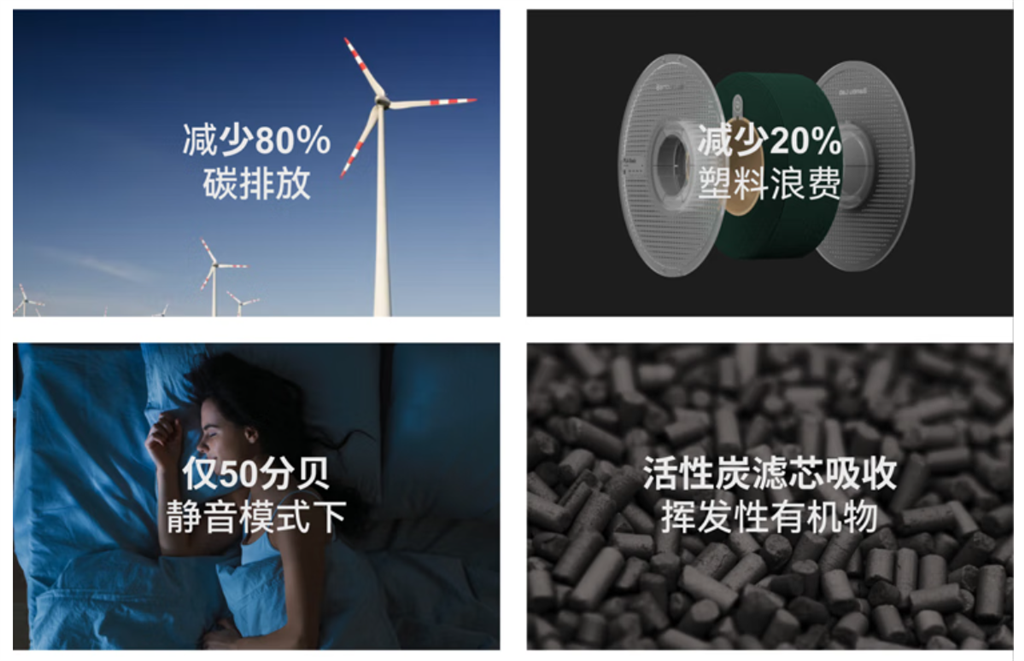
Lower Carbon, Healthier
[Common Use]
1. How long does it take from unpacking to starting the first print?
The X1 can be set up in less than 30 minutes, including removing the screws that secure the heated bed to the AMS and downloading the software.
2.The printer has four modes? How do the various modes, especially Silent Mode, differ in terms of speed and noise?
Different modes simply adjust the acceleration and speed in the original G-code according to a certain proportional coefficient. The silent mode uses the smallest acceleration and speed proportional coefficient.
3.How to update the software?
The X1 and X1 Carbon models support software upgrades via OTA. When new software is available for download and installation, an update notification will be displayed on the printer screen.
[Consumables]
1.What types of consumables does AMS not support?
*AMS does not support TPU and other soft filaments.
*Using fragile or particle-containing consumables may also cause AMS failure.
2. Can I use AMS to switch between different materials, such as ABS and PLA, in a single print?
Due to the material property limitations of the filaments themselves, even if you use filaments with similar properties to print together, it may cause the nozzle to become clogged or the printed model to not meet expectations. Therefore, we recommend not using filaments with different properties to print together.
It should be noted that in order to reduce the risk of failure, Bambu Studio will limit mixed printing of consumables with a temperature deviation greater than 15 degrees.
3.Does the X1 series printer support third-party consumables?
Yes, any wire with a diameter of 1.75mm can be used.
[Slicing]
1. Which printer functions cannot be used by third-party slicing software?
Functions such as the automatic feeding system (AMS), LiDAR first-layer detection, and fried noodle detection cannot be used with third-party slicing software.
2.Are X1 series printers compatible with third-party slicing software?
Yes, third-party slicing software is supported, but may not be compatible with certain features of the printer. We recommend using Bambu Studio for best printing results.
3.When using AMS printing, does the slicing software support materials with different printing temperatures?
This depends on the bonding strength of the materials and the temperature requirements of the printing space.
For example, ABS and PLA do not support mixed color printing because the printing temperature difference is too large, which can easily cause nozzle clogging.
[Accessories]
1. Can I use a printing platform made of other materials?
Low temperature printing panel: supports printing temperature up to 120 degrees.
Engineering material printing panel: supports printing temperature up to 120 degrees.
High temperature printing panel (PEI material): supports printing temperatures up to 120 degrees.
2.Does AMS support third-party trays?
Yes, but the specifications of the third-party material tray should be between 50 and 68 mm, and the diameter should be between 192 and 202 mm.
3. Can the usage time of the nozzle be detected to facilitate replacement?
We recommend that you check the degree of nozzle wear to determine whether it needs to be replaced. Printing habits and differences in consumables may cause nozzle wear and require replacement.